How to sort columns?
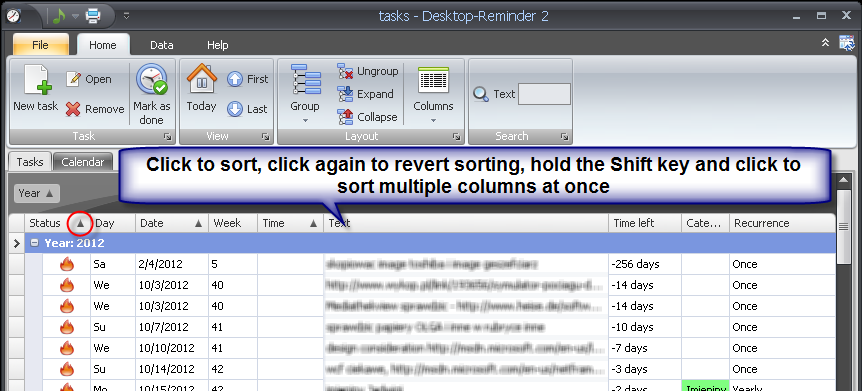
To sort a column just click a column header. To revert sorting click this header again. To sort multiple column press and hold the Shift key on the keyboard and click multiple columns.
Please refer to the following page for restoring the default column sorting order: How to restore default columns and their sorting order?